


Hey, are you familiar with Qualcomm’s aptX Adaptive and aptX Lossless Bluetooth codecs?
My guess is that, for most of you, the answer is no, or maybe a shrugged “sorta?”
It’s OK, you’re not alone. But it’s a sad reality given that Sennheiser has not only added these codecs to its Momentum 5 Wireless headphones, but has also provided users an unusual level of control over how these codecs work inside the Smart Control Plus mobile app.
I’ll explain in a moment, but first, here’s the reason you’ve probably never heard of these codecs, and why you likely can’t take advantage of them.
Disclosure: If you buy through links on this page, I may earn a small commission at no extra cost to you. As an Amazon Associate, I earn from qualifying purchases.
The cavernous codec caveat
Codecs are the unsung heroes of the Bluetooth audio world. They’re responsible for compressing digital sound down to a size that can be reliably transmitted over Bluetooth links, which can be notoriously unstable at times.
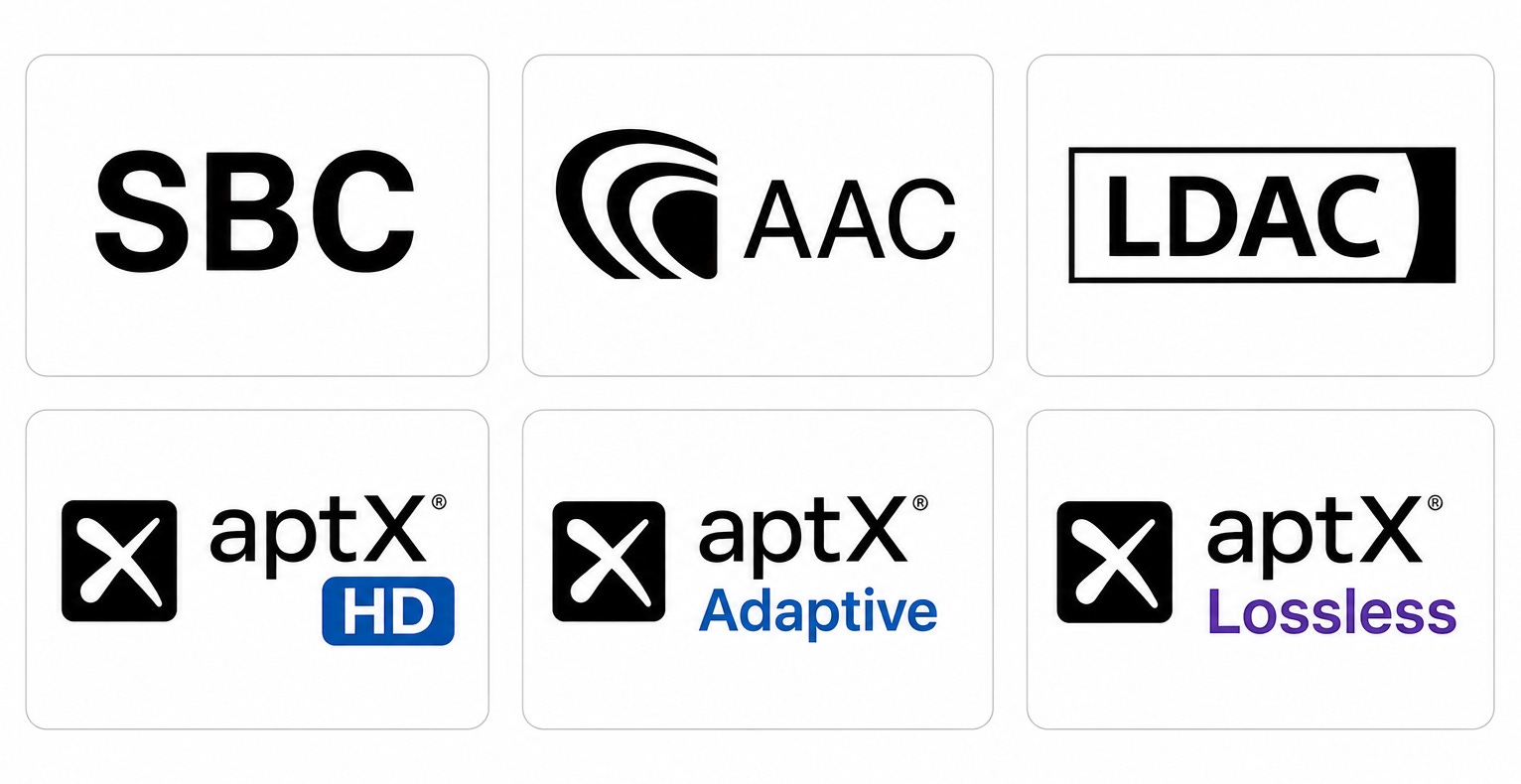
The basic codecs that ship with nearly every Bluetooth device (SBC and AAC) do a decent job, but because they’re “lossy” codecs, they often strip away a lot of information.
For a deeper dive on Bluetooth codecs, check out some of my previous coverage:
Better codecs exist — much better in fact — but they suffer from an adoption and compatibility problem. You can only take advantage of a codec when both the source device, like a phone, and a receiving device, like headphones, support it. If either device doesn’t support the codec in question, they fall back on the ones they share in common, which is likely SBC or AAC.
And you may be surprised to learn that Apple iPhones only support SBC and AAC. Google Pixel phones add LDAC (a high-quality codec from Sony). Samsung phones also have LDAC as well as Samsung’s own proprietary SSC codec.
Those Qualcomm codecs I mentioned in the intro — aptX Adaptive and aptX Lossless? They’re two of the most advanced codecs so far, enabling both CD quality and hi-res audio over Bluetooth …
… and they aren’t supported on any iPhone, Pixel, or Samsung phone. In North America, that means a staggering 80% of in-use mobile phones aren’t compatible.
Wait. I can’t use these new codecs … ever?
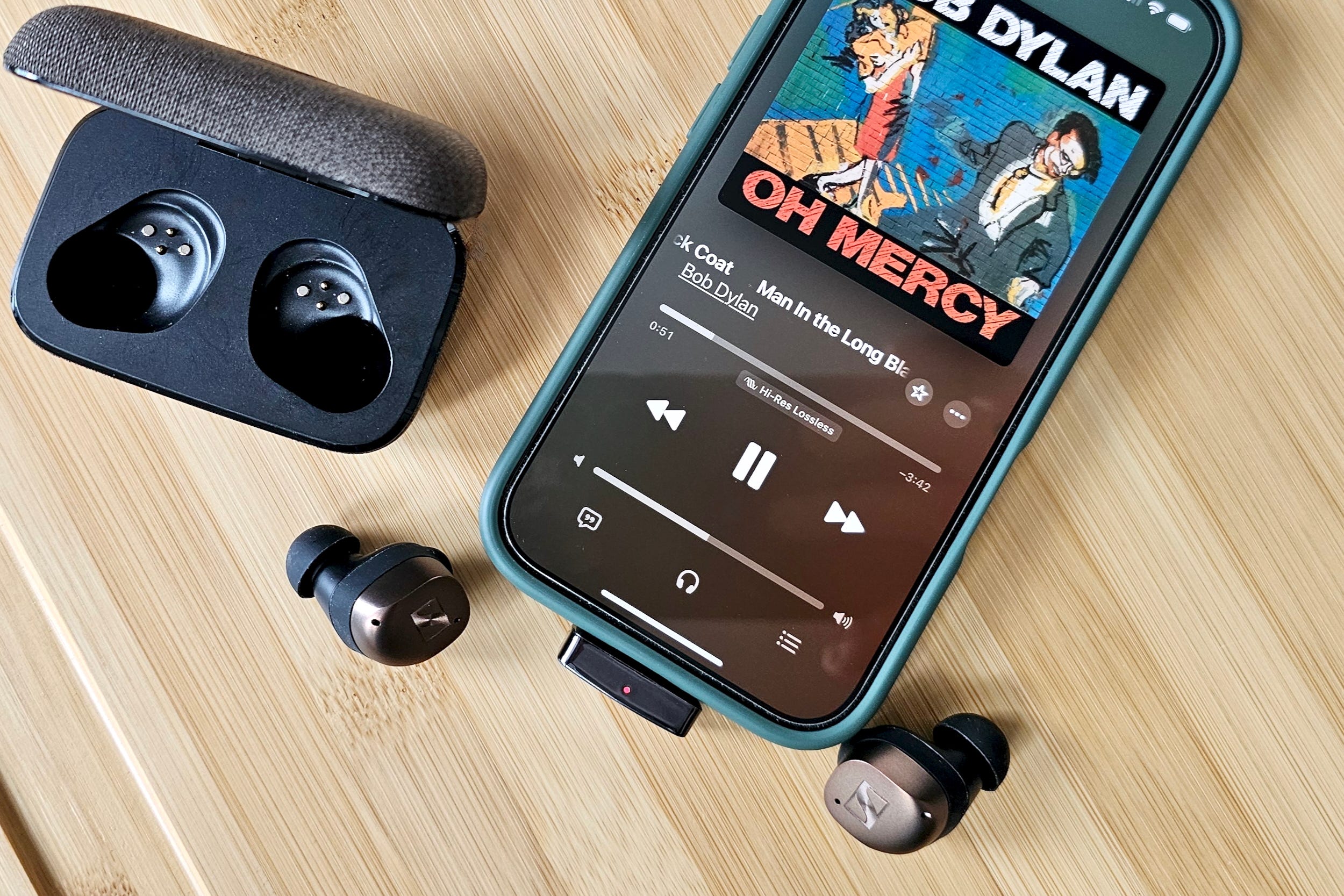
Even though your phone or laptop doesn’t support Qualcomm’s codecs, you can still use them — it just isn’t free, and you’ll need to use an accessory.
There are two products that I’m aware of that give your device aptX Adaptive and aptX Lossless:
Of these, I’ve only used the Questyle, which works very well. Just one word of caution before you buy any adapter: Double-check that it supports the codecs you need. Many models work with aptX Adaptive, but don’t support aptX Lossless.
What’s so great about aptX Adaptive and aptX Lossless?
In a word: More.
Our two default codecs, SBC and AAC could actually sound way better if they were allowed to use more bandwidth. Technically, they’re both capable of doing so, but they were introduced at a time when Bluetooth’s maximum bandwidth was smaller.
As a result, SBC typically runs at 192 kbps to 328 kbps while AAC hits its ceiling at 256 kbps on iPhones and up to 320 kbps on Android. When you consider that uncompressed CD quality requires 1,411 kbps, it’s easy to see how much info is lost.
aptX Adaptive is built on newer technology. It can, depending on the audio you’re playing, run as high as 860 kbps. It’s still a lossy codec (like SBC and AAC), but when you don’t throw away as much info, more detail is preserved.
aptX Adaptive, as its name suggests, can also respond to changing Bluetooth connection speeds. It can ramp its bandwidth up and down in 10 kbps increments so that it always provides you with the highest quality your connection allows. SBC and AAC can’t adjust to Bluetooth conditions at all.
aptX Lossless is the first lossless Bluetooth codec. Under specific conditions, it can compress and transmit audio at CD quality without losing any info.
It achieves its impressive sound quality by using far more data than a lossy codec. This is only possible when the Bluetooth connection is managed by two Qualcomm chip-equipped devices, which helps to explain why it won’t work on Apple and Google phones — they don’t use Qualcomm’s chips. Samsung does use Qualcomm chips, but it refuses to enable Snapdragon Sound, the licensed platform that’s required for aptX Lossless.
Cleverly, when aptX Lossless senses that the connection is no longer robust enough to support its massive appetite for bandwidth (1200 kbps), it can seamlessly convert over to aptX Adaptive’s lossy compression until things improve.
OK, that’s a lot of specs and numbers. Bottom line, do they sound better?
So, yes. But also, it depends.
You can think of codecs like aptX Adaptive and aptX Lossless as performance enhancers. If you’ve got access to lossless and/or hi-res audio, and if your Bluetooth connection is solid, and if your headphones or earbuds already offer really good sound, using either of these codecs can absolutely improve the sound versus SBC or AAC.
However, don’t expect an equally big difference between aptX Adaptive and aptX Lossless. As I proved to myself a few years ago, it can be a lot harder to tell them apart.
Here’s the “depends” part: These codecs will not take already heavily compressed audio and make it better. They also can’t magically make a budget set of wireless earbuds sound like ones that cost $399.
You should also consider how and where you listen. If you mostly use your wireless headphones walking to work, at the gym, on airplanes, or anywhere else that might have substantial background noise, I don’t think you’ll be able to appreciate the subtle improvements these codecs offer.
How can you tell if you’re using aptX Lossless (or Adaptive)?
The challenge with Qualcomm’s system is that it relies on phone and wireless accessory manufacturers to tell users what’s going on under the hood. If these companies decide not to do so, it’s impossible to know if your products are actually using aptX Lossless or aptX Adaptive — or maybe another codec.
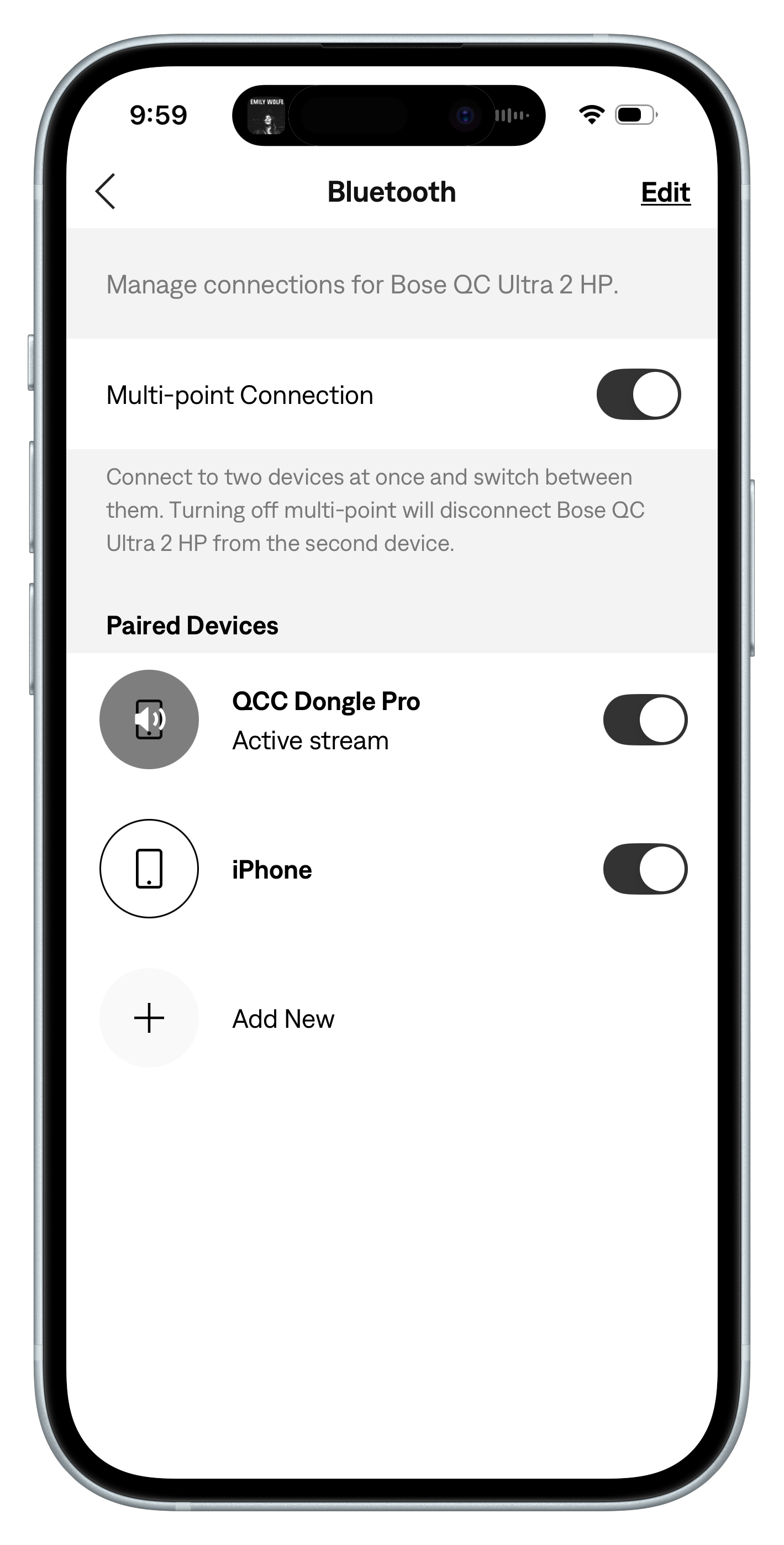
Case in point: Bose’s QuietComfort Ultra 2 Headphones are aptX Lossless compatible. When I connect them to an aptX Lossless source device, like Questyle’s excellent QCC Dongle Pro adapter, I should get CD-quality sound if I’m listening to a lossless CD-quality song from say, Apple Music, Tidal, Amazon Music, or Spotify Premium.
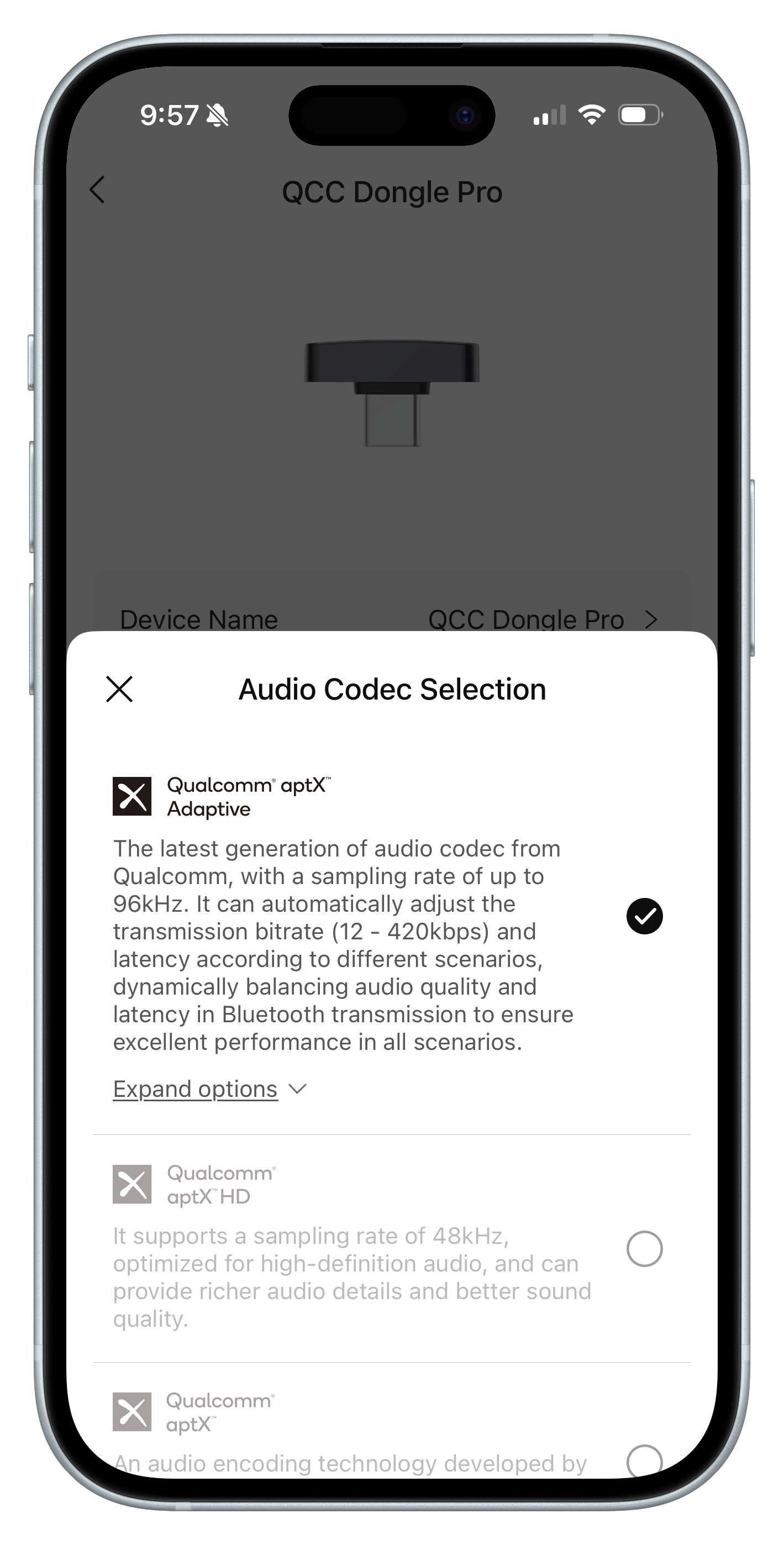
The Dongle Pro isn’t very helpful. It sees aptX Lossless and aptX Adaptive as essentially a single codec. It doesn’t even have an aptX Lossless indicator.
The Bose app confirms the headphones are connected to (and streaming from) the Dongle Pro, but is silent on the nature of that connection. It doesn’t list any active codec. Am I getting aptX Lossless? Maybe. Could I figure it out just based on what I’m hearing? Possibly. But if you’re like me, you like a little confirmation that what you’re hearing is the best it can be.
Sennheiser’s smart control
Which brings us back to Sennheiser.
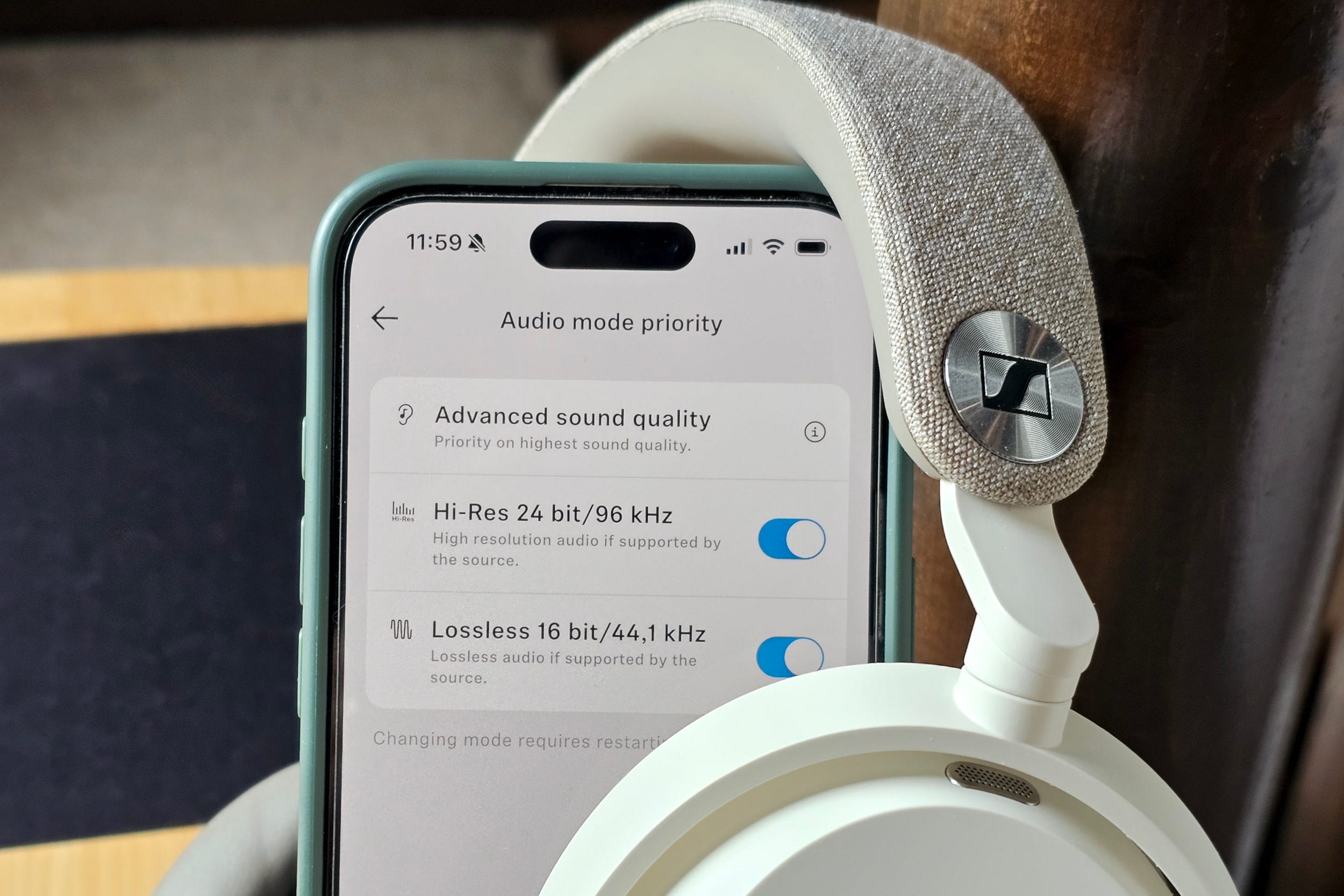
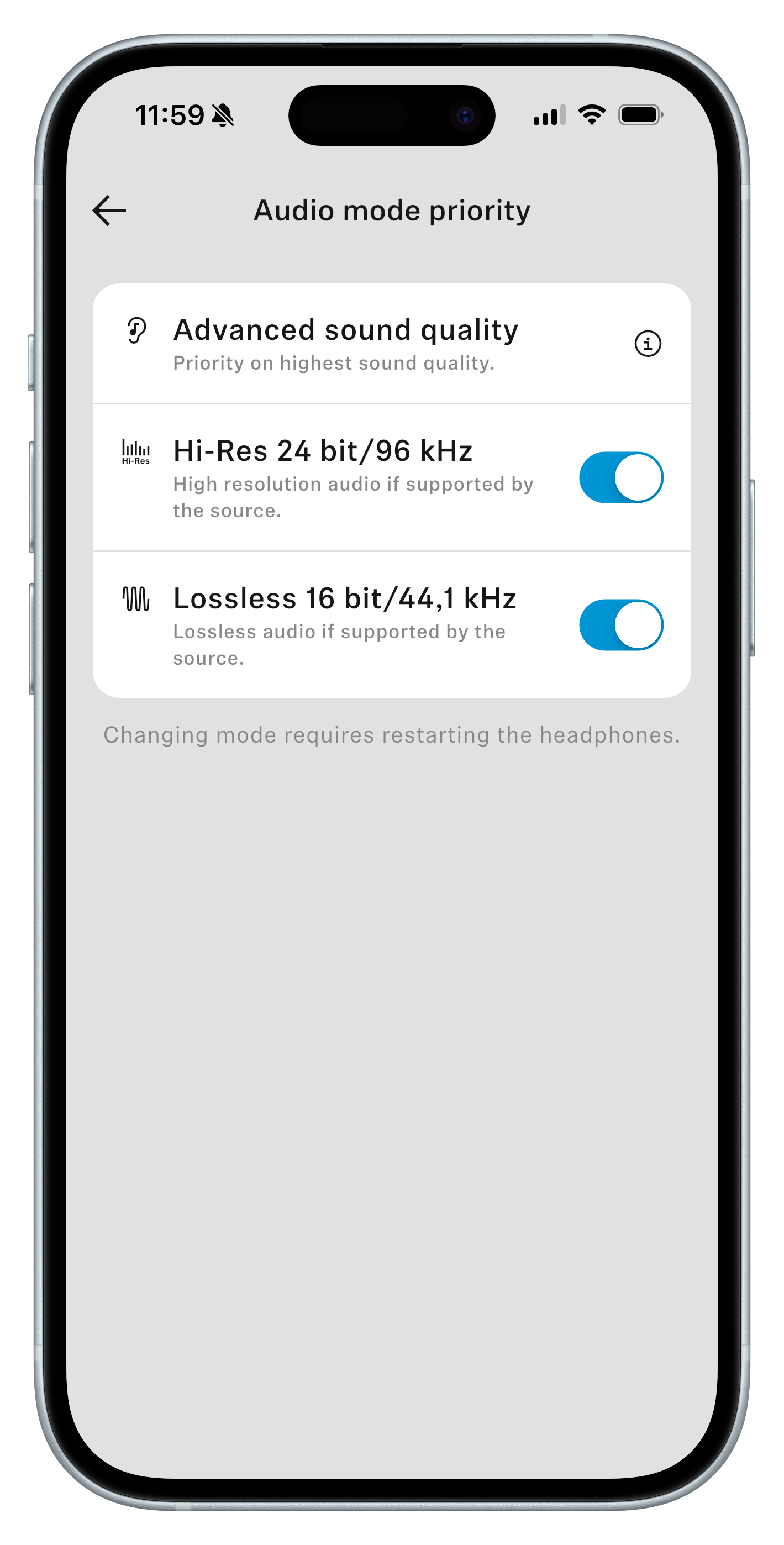
Its aptly named Smart Control Plus mobile app provides the missing aptX connection information, but perhaps more importantly, it gives you control over how the Sennheiser Momentum 5 Wireless work with these codecs.
As you can see in some of the screenshots, the Audio Mode Priority screen lets you toggle support for Hi-Res 24-bit/96kHz and Lossless 16-bit/44.1kHz independently. It doesn’t say so explicitly, but these refer to aptX Adaptive and aptX Lossless respectively.
I’ve seen companion apps that let you turn aptX Adaptive on and off, but Sennheiser is the first I’ve come across that add the extra granularity of aptX Lossless control.
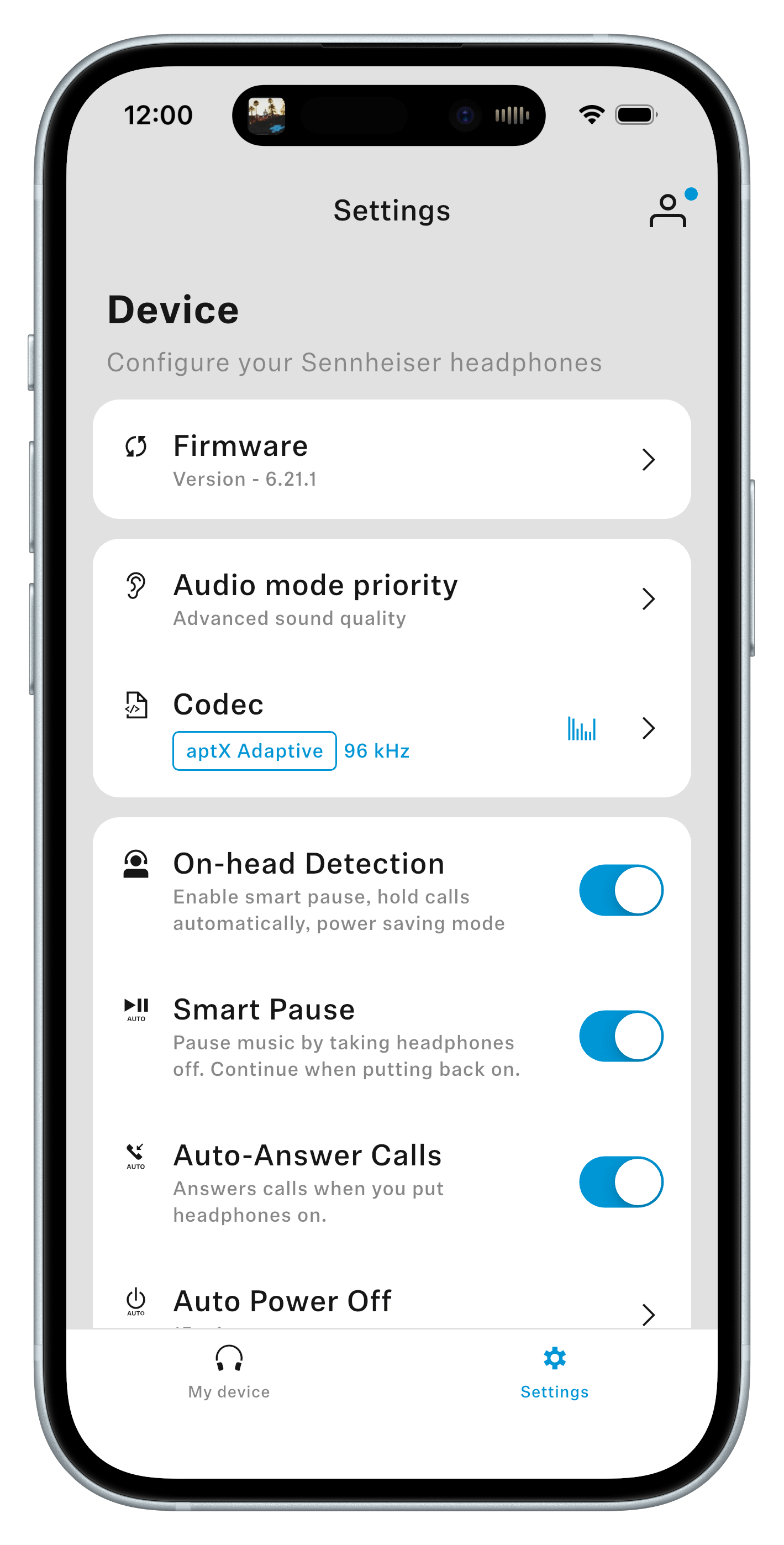
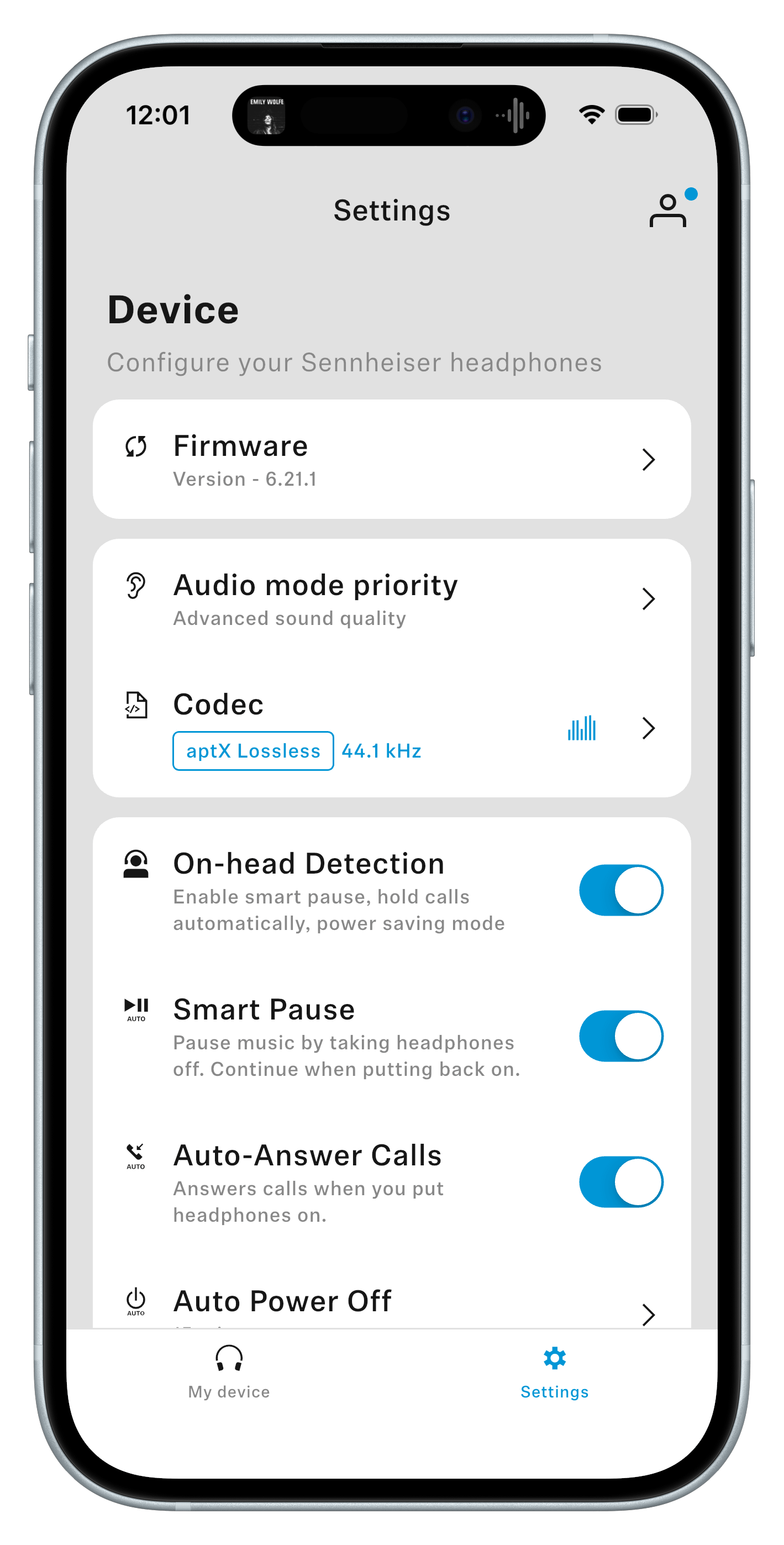
Then, in the Device Setting screen, you get confirmation of what’s actually happening. The Codec section reveals the active aptX codec, along with the sampling frequency it’s processing.
This is the critical piece. If you’re streaming CD quality at 16/44.1, and the Sennheiser app confirms the headphones are streaming at 16/44.1 using aptX Lossless, that’s your reassurance that everything is working optimally.
Why switch between Lossless and Adaptive?
If you leave both the Hi-Res 24-bit/96kHz and Lossless 16-bit/44.1kHz toggles turned on, the Qualcomm chips will do their best to select the right codec based on your Bluetooth link and your source material.
If they see you’re playing lossless 16-bit and you’ve got a strong link, aptX Lossless will be used. If not, you’ll probably get aptX Adaptive. For most people, this is the best option and as I mentioned above, the app will tell you which codec is in use.
But there may be rare times when you want to specify. Someone with an extensive CD collection may reason that disabling Hi-Res 24-bit/96kHz prevents their 16-bit lossless tracks from undergoing lossy conversion.
The same could be true in reverse if you’re mostly streaming hi-res audio.
But in the end, because aptX Lossless will always switch to Adaptive if it can’t maintain a fast link, these toggles represent best-effort preferences, not forced behaviors.
If you enjoyed this Loudmouth article, please consider subscribing. It supports my work and ensures you won’t miss out on future coverage.
Disclosure: If you buy through links on this page, I may earn a small commission at no extra cost to you. As an Amazon Associate, I earn from qualifying purchases.