


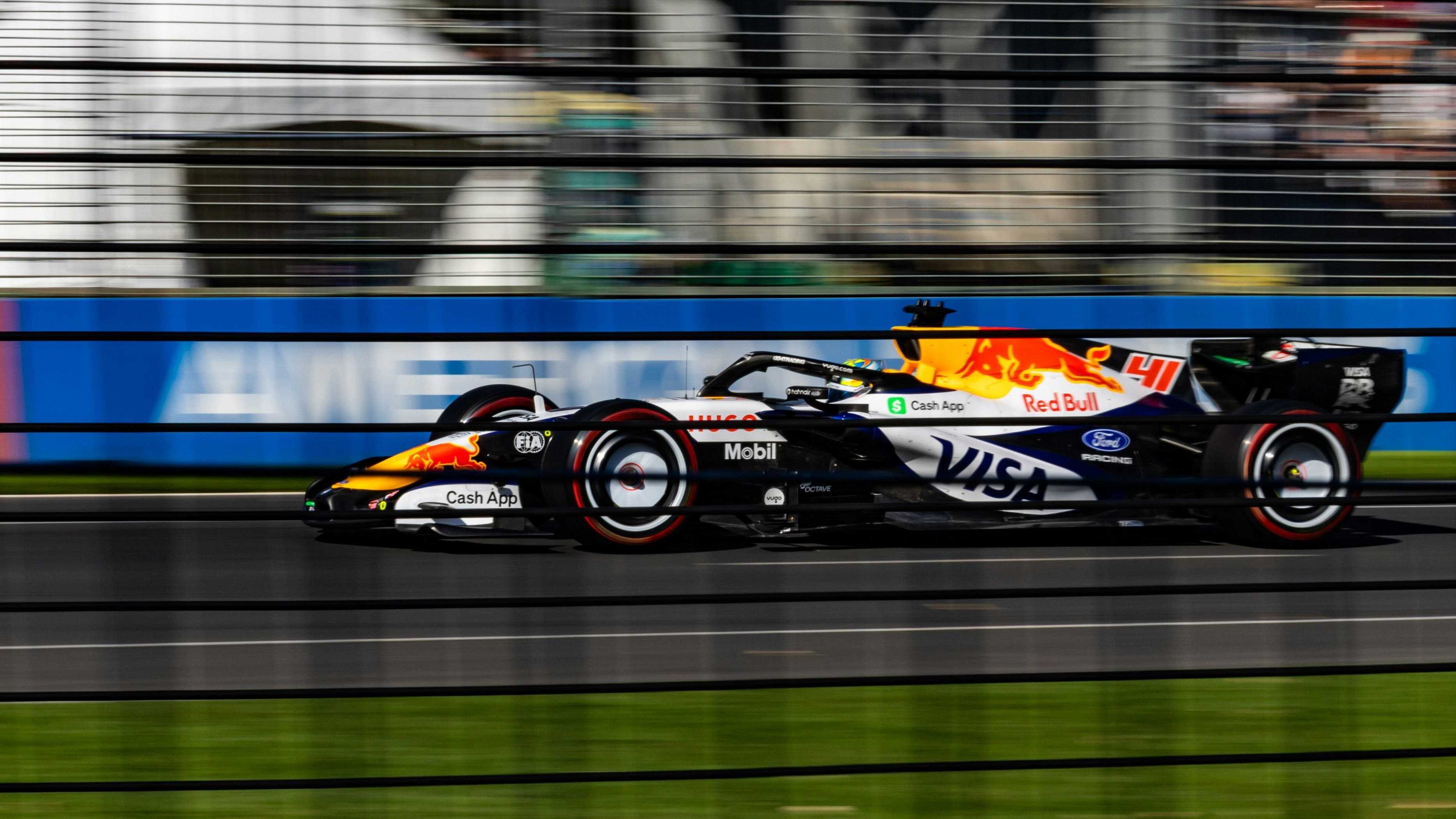
Race fans will happily talk your ear off about why they love a sport like Formula 1. The technical competition between teams, the personal stories (and fierce rivalries) of the drivers, or even the sometimes arcane rules that govern who wins and who loses. But none of that explains why people want to attend a Formula 1 race. The most likely answer: the visceral experience of seeing and hearing the fastest cars in the world roaring past you at over 200 mph as they vie for first place, only yards from where you’re standing.
And this week, a little more of that visceral experience will be available to those who watch from home: Apple TV — the exclusive U.S. broadcaster for the race series — is adding Dolby Atmos spatial audio to its F1 race weekend broadcasts, starting October 23, with the 2026 U.S. Grand Prix.
I haven’t heard it yet, but in his post for TechRadar, Jacob Krol describes it as a “night-and-day difference” from non-Atmos footage. Krol got to hear a Dolby Atmos mix of some previous races at the announcement event in New York City.
If you’re fortunate enough to have the right home theater gear and access to Dolby Atmos content, you’re probably used to how spatial audio can create a thrilling sense of immersion for movies and shows, by making the locations and movement of sounds match what you’re seeing on-screen. But typically, this effect is created after the fact in the studio, not captured in real time, which is what makes the F1 announcement so interesting: Apple has found a way to add spatial audio to race coverage using the same microphones and other gear that’s been used in the past.
It won’t be the first time a sporting event has been broadcast in Atmos: It’s been used for the Olympics, World Cup Soccer, NFL, and NBA matches. But in those examples, the realism centers around recreating the sound of the fans in the stadium. With F1, I think we can expect a more first-person perspective, with sound from the cars being the key ingredient.
This got me thinking about how we can add spatial audio to our own smartphone videos. Is it even possible? The answer is yes, and coincidentally, two new options for doing so have emerged in just the past month.
The built-in option: iPhone 16 or newer
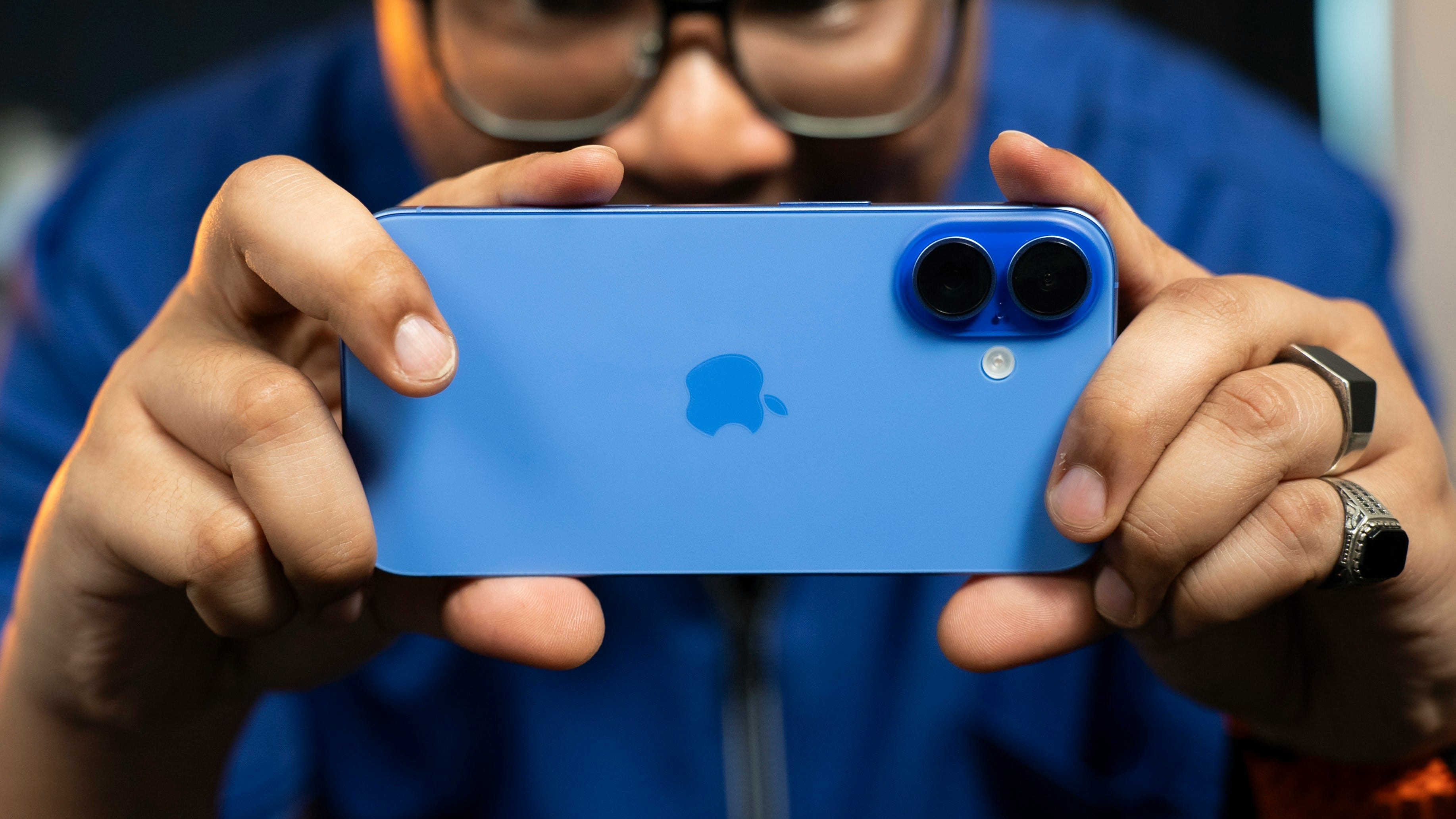
If you own an iPhone 16 or newer, you’ve been able to record your videos in spatial audio since iOS 18 came out. In fact, it’s the default setting. To get the best results, you’ll need to record in landscape mode — this positions the microphones optimally for capturing sound coming from all directions.
Playback and editing are where things get a bit tricky. If you’ve got a set of supported Apple AirPods or Beats earbuds/headphones with head tracking, you should be able to play these recordings and hear the spatial audio, as long as you’re playing the video from the Photos app. It should also work if you’ve got iCloud enabled for Photos and play the videos on a Mac.
Unfortunately, Apple’s documentation is light on details when it comes to preserving the spatial audio on other devices. For example, you can AirPlay these videos to an Apple TV 4K, but doing so strips the metadata needed for the 3D aspect of the audio. Instead, you’ll hear regular stereo.
The external option: Sony’s ECM-AX10

Announced October 8, Sony’s ECM-AX10 is a small USB-C-powered microphone that can capture 3D audio in two different formats, plus stereo. It can be plugged into a variety of compatible iPhone and Android handsets and used to add spatial audio to your videos when you use Sony’s Spatial Audio Video Tool app for recording.
If you use Binaural mode, the four-capsule mic will record spatial audio as two-channel sound, specifically designed for headphones. Videos or audio recordings in Binaural mode will work with any set of stereo headphones or earbuds — even budget wired models.
If you use Ambisonics mode, the four-capsule mic records a four-channel 3D sound field, which Sony’s app can export in the open-source Eclipsa format developed by Samsung and Google.
No major music or movie streaming services or Blu-ray discs use Eclipsa yet, but for personal video purposes, that might not matter. Eclipsa audio can be uploaded to YouTube, and it can be decoded by recent Samsung smart TVs and Google TV/Android TV devices. The latest Samsung soundbars can also decode Eclipsa, and newer LG devices likely can too, though for some reason LG is being a bit coy about it (maybe because Eclipsa is Samsung’s baby).
In theory, this means you can hear your smartphone videos in spatial audio by uploading them to YouTube, then watching them on your TV via a Google TV device (as long as you have a multi-channel soundbar or AV receiver).
The creepy option: Ray-Ban Meta
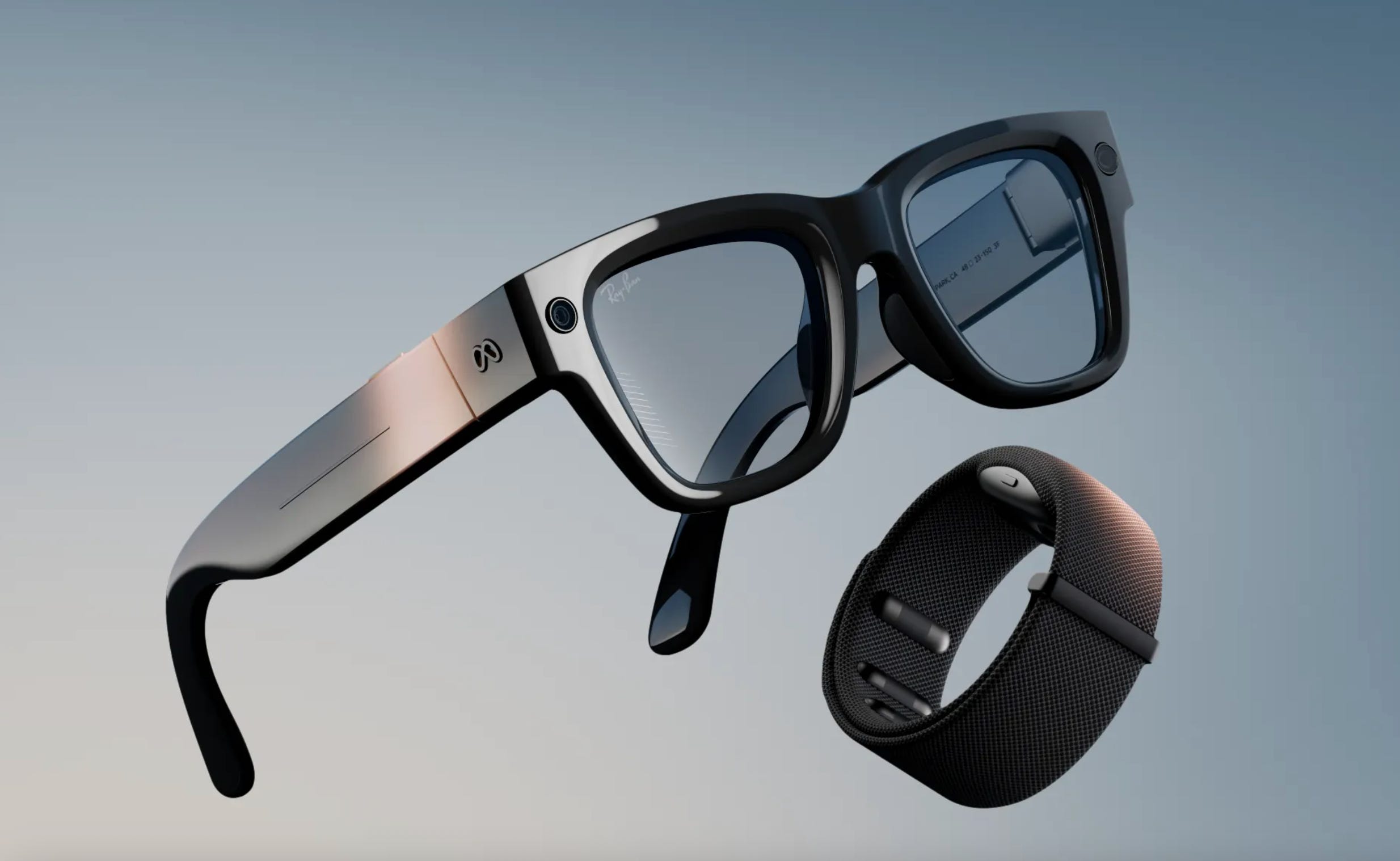
The latest version of Meta’s controversial smart glasses are about to be the first consumer product that will record audio in Dolby Atmos. That’s Meta’s claim, and details are thin: Meta hasn’t given a date beyond ‘later this year’ or said how you’ll experience those recordings.
There’s a good chance they’ll arrive first on the company’s Meta Quest family of VR headsets, but we don’t know yet if other devices like your home theater will be compatible.
If you enjoyed this Loudmouth article, please consider subscribing. It supports my work and ensures you won’t miss out on future coverage.