


A back-and-forth battle
Before I jump into the full review, let me briefly set the table …
For years, Bose’s soundbars have competed with Sonos. Both companies offer the same fundamental promise: Great sound, elegant design, and a super-simple set up. But historically, Sonos had an edge.
Disclosure: If you buy through links on this page, I may earn a small commission at no extra cost to you. As an Amazon Associate, I earn from qualifying purchases.
The Sonos app gave its soundbars music streaming superpowers, while its ecosystem of wireless speakers and subwoofers, could add to the cinematic immersion, or be used independently in any other room, for a huge range of expansion options. Bose’s app wasn’t as powerful or as polished, and its limited set of accessory speakers and subs could only be used in tandem with its soundbars, not on their own.
Fast forward to 2026, and things look different. Sonos has continued to create amazing soundbars and speakers, but a disastrous app redesign in 2024 rendered a lot of customers’ systems unusable. The company fired its CEO and began the process of restoring features and stability, a task that is still not 100% complete.
With Sonos customer satisfaction at an all-time low, Bose made two small but important pivots: It introduced its new Lifestyle Ultra family of wireless speakers, starting with the Lifestyle Ultra Soundbar ($1,099) and Lifestyle Ultra Speaker ($299), and it made a conscious decision not to compete with Sonos’ app. In fact, it ran in the opposite direction. For daily TV and music listening, the Lifestyle family is almost app-less.
Though it has never said so, Bose is using these shifts to reposition itself from being just a Sonos competitor to the Sonos alternative. I’m just not sure it worked.
… OK, now for the review.
Bose Lifestyle Ultra Soundbar
Product Score: 3.5/5

Pros:
Beautifully designed
Very easy set up
Robust bass, excellent dialogue clarity
Cons:
You’ll need the app more than you think
Stereo sounds a little constrained compared to other speakers at this price
No Dolby Atmos Music without a TV or streaming device
Bose Lifestyle Ultra Soundbar: Smarter and simpler
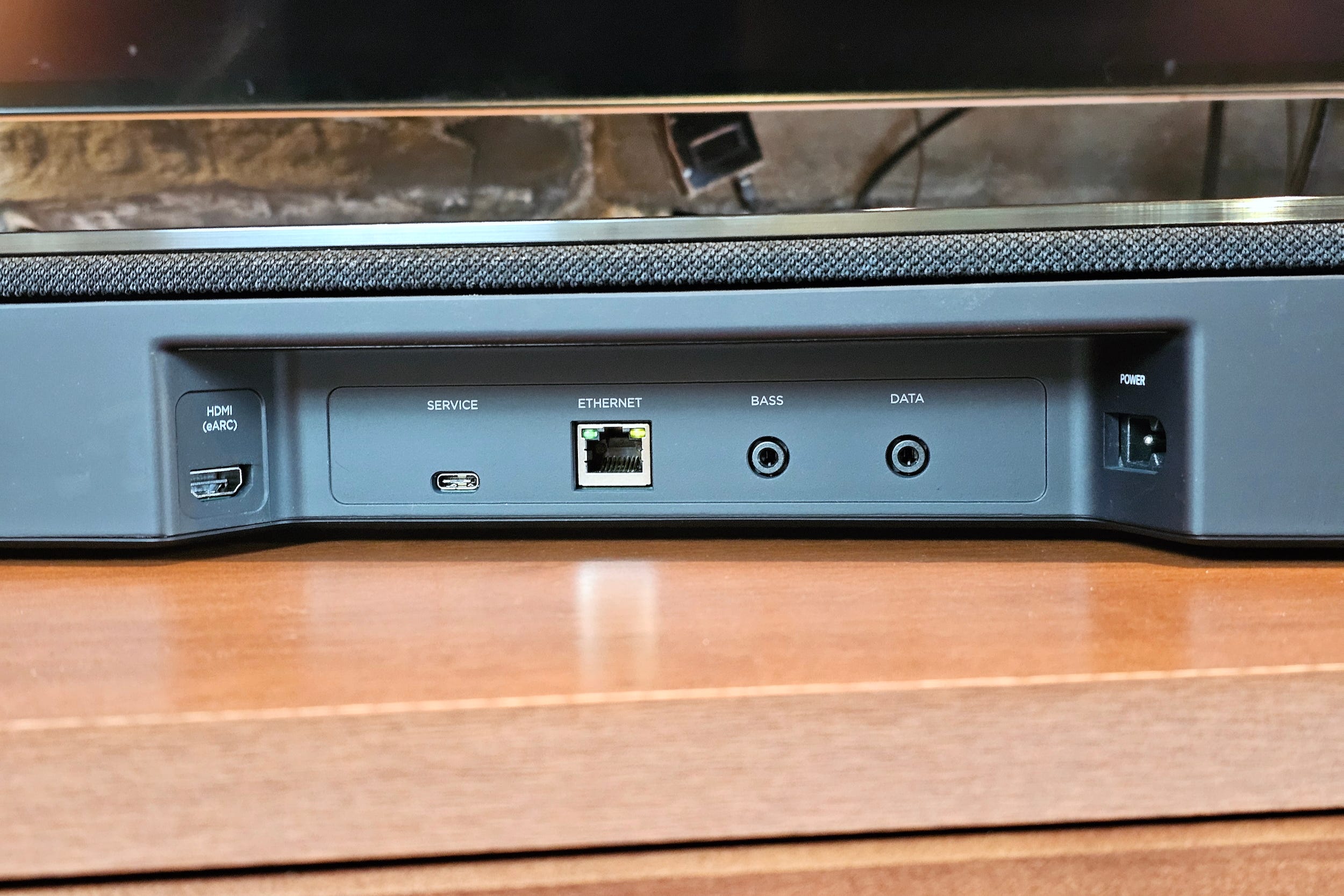
As soon as you open the box, it’s obvious that Bose wants the Lifestyle Ultra Soundbar to be super simple to set up and use. You get the soundbar itself, a power cord, and an HDMI cable. That’s it.
If all you want is better sound for your TV plus Bluetooth music streaming, simply plug the soundbar into your TV via HDMI, then plug it into the wall. As soon as you fire up your TV, it should automatically recognize the Lifestyle Ultra and you’re good to go.
However, if you want to make any changes to soundbar’s audio settings (like dialogue mode) the Bose app for iPhone/Android is essential, because the Lifestyle Ultra is one of the first Bose speakers to ship without a remote.
The Bose app also connects the soundbar to your home Wi-Fi for hi-res streaming and (optionally) Amazon Alexa, it provides an interface for adding surrounds and a subwoofer, plus, it’s the only way to do room calibration: the company also nixed its AdaptIQ room calibration microphone (a wired, head-worn device that no one will miss).
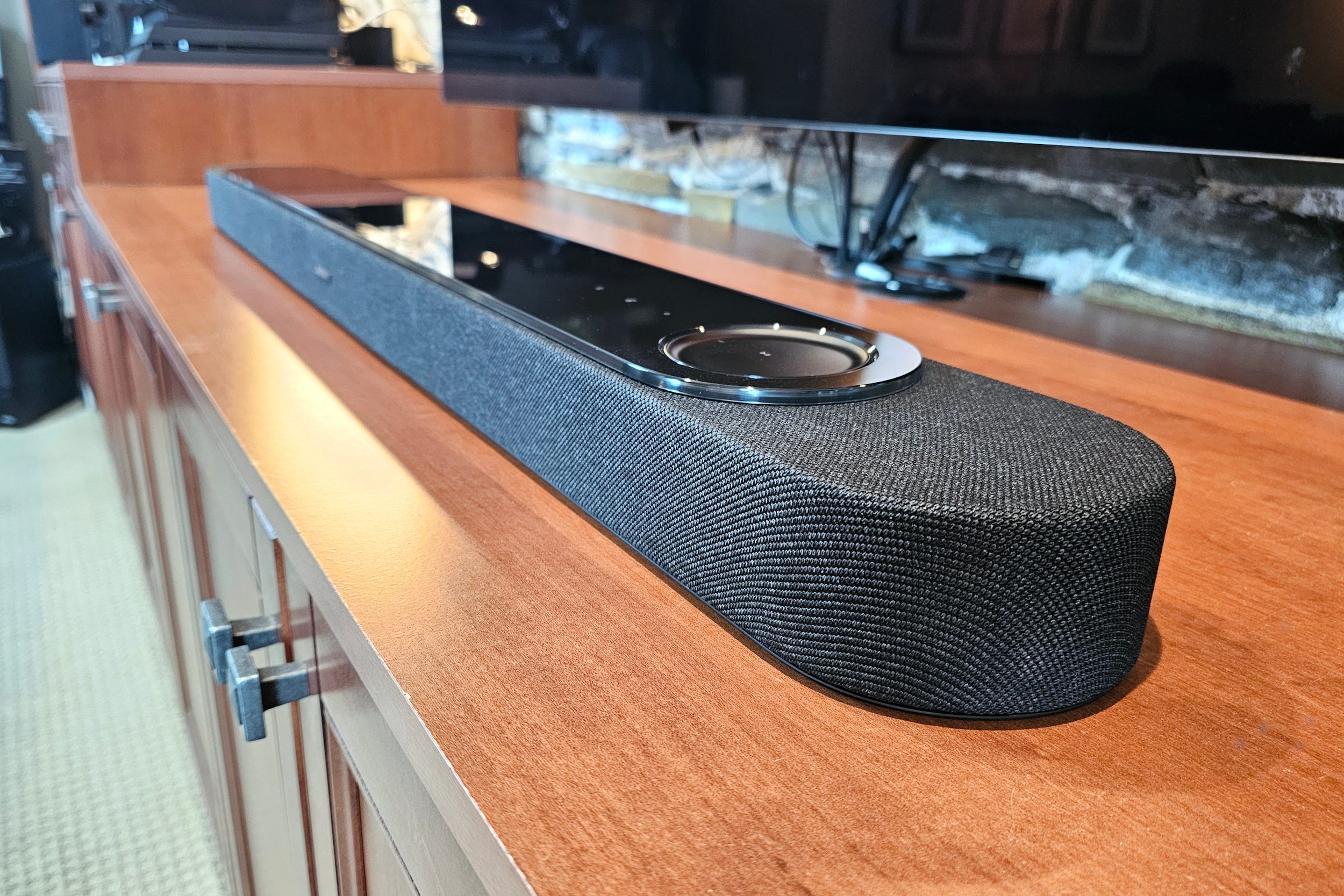
Without a remote, Bose took a page out of Sonos’ playbook: The Lifestyle Ultra has a full set of top-mounted touch controls for volume and playback, something its predecessors lacked. Bose’s original contribution is a circular shape that acts like a virtual volume knob. Swiping your finger clockwise or counterclockwise around the perimeter slowly raises or lowers volume.
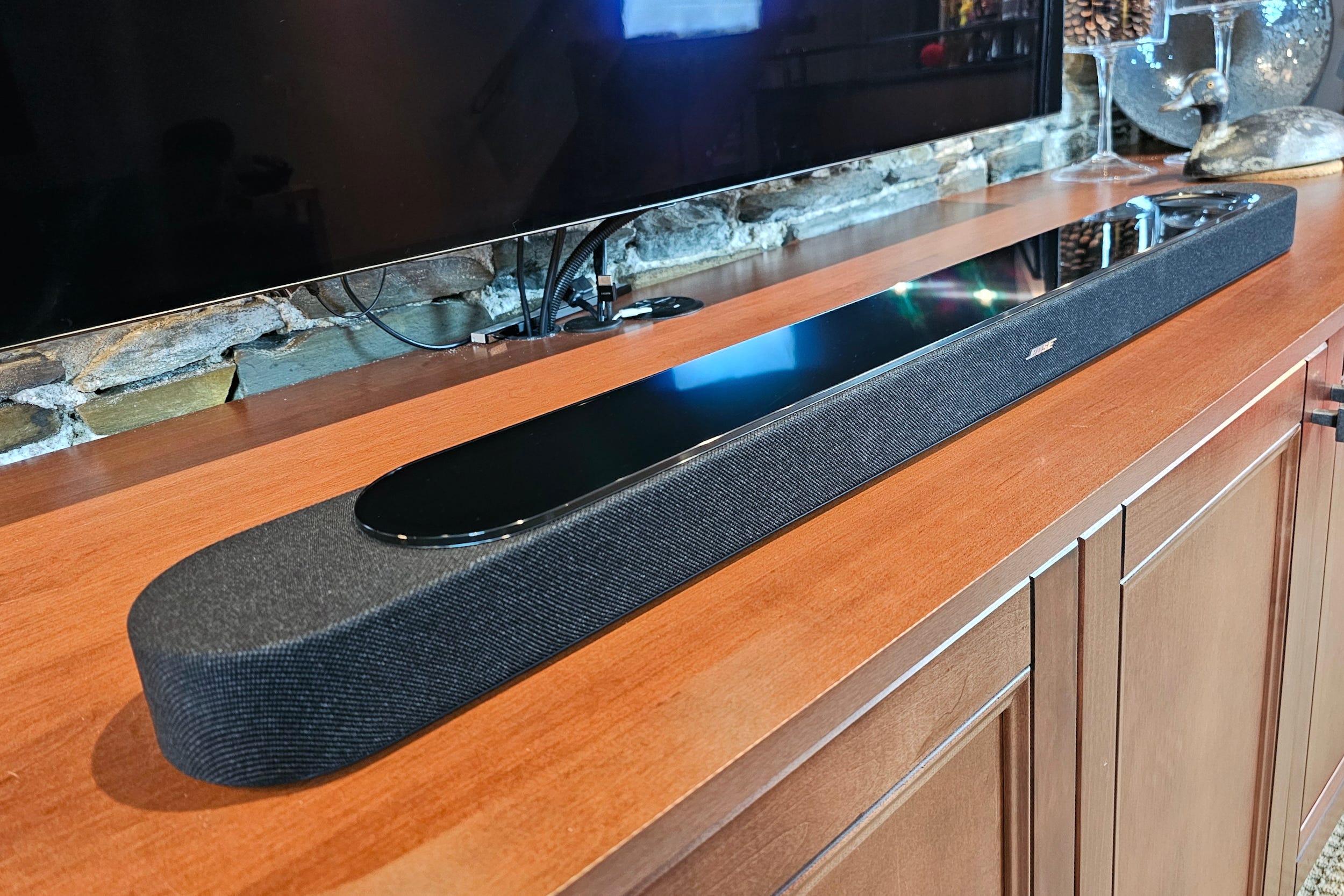
Thankfully, Bose has kept one of its best soundbar design elements — the Lifestyle Ultra is topped with an elegant glass surface. Yes, it’s a fingerprint magnet and also highly reflective, but when it’s freshly wiped, it looks amazing. The new fabric grille is also a nice touch, adding a soft, rounded accent to a class of device that’s often made from a hard plastic shell.
The Bose app: almost unnecessary


The Bose Music app (which managed the company’s older models) was a kind of Sonos-lite experience, with a few integrated streaming music services and the ability to manage and group multiple Bose speakers. The new, unified Bose app, eliminates these features.
The goal is to give you a simple, one-app experience. Pick your preferred music app and then use either Apple AirPlay 2, Google Cast, or, worst-case scenario, Bluetooth, to connect to the soundbar and play your tunes.
If Bose hadn’t axed its physical remote, you might be able to completely avoid the Bose app after the initial setup. But that’s not quite the case.
In reality, you’ll need the app to manage important settings like EQ (treble, midrange, and bass), volume levels for center, height, and surround channels, turning dialogue enhancement on/off, and to validate the sound format the soundbar is receiving (a vital piece of info if you’re working with Dolby Atmos).
Movie and TV sound: much bigger bass, crisp dialogue
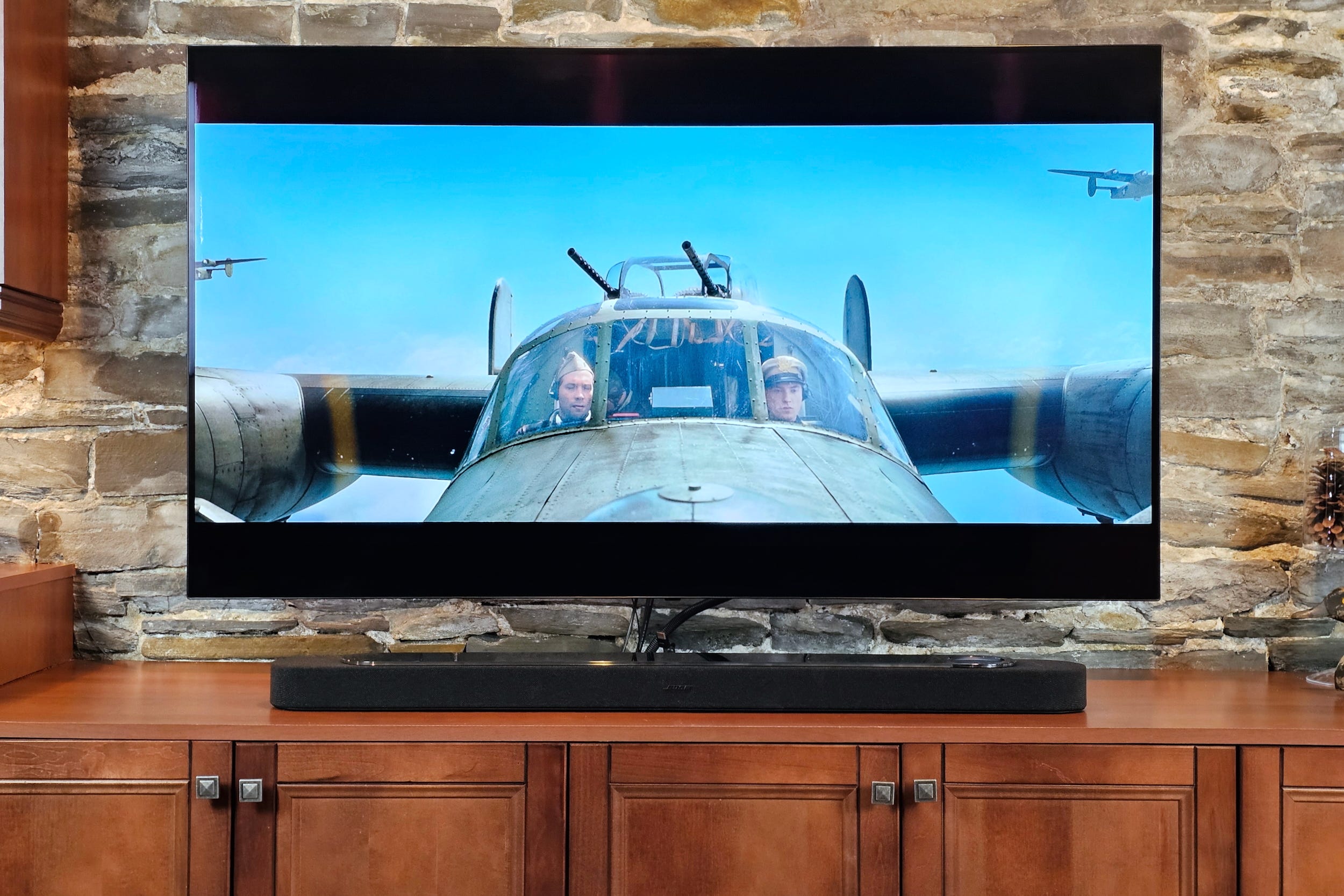
Soundbars often suffer from weak bass. It’s why a separate subwoofer is almost always a recommended add-on. Bose’s Lifestyle Ultra Soundbar definitely sounds more cinematic and impactful when paired with the Lifestyle Ultra Subwoofer ($899), but the good news is it also sounds pretty great on its own.
Cranking the bass level to +10 in the Bose app unleashes enough low-end punch to bring Hollywood action flicks to life. We’re not talking about window-shattering, heart attack-inducing bass by any means, but for a lot of folks, it’s going to be more than enough — especially if your neighbors are prone to complaining.
Dialogue is another gotcha area for many TV speakers. As more content gets mixed for multichannel audio, the all-important center channel (where dialogue lives) can get drowned out by the rest of the soundtrack. You may be able to get sufficiently clear speech just by tweaking the treble and center channel levels in the Bose app.
But for a true silver bullet, enable the SpeechClarity option (and then select one of three enhancement levels). After struggling through some seriously muddy dialogue at the start of The Fall Guy, I flipped SpeechClarity on and things were instantly clearer.
The Lifestyle Ultra Soundbar’s spatial audio capabilities are on-point too, with very good virtual surround sound and height effects. Playing through my usual Dolby Atmos test clips from titles like No Time To Die, Unbroken, Mad Max: Fury Road, and Dune, was a lot of fun; if you’ve never experienced a Dolby Atmos movie via a premium soundbar, you’re in for a treat.
Music: satisfying but conservative
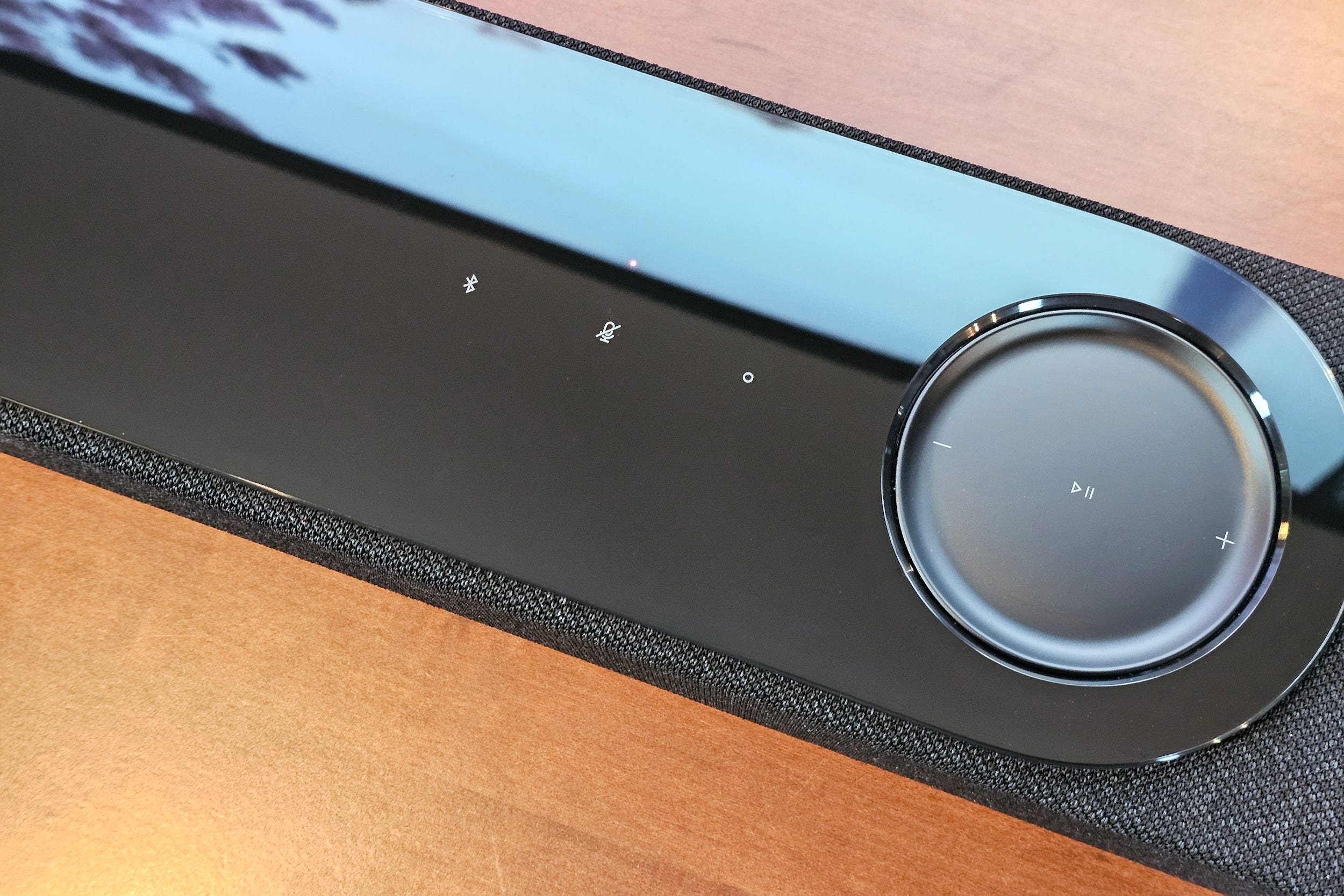
Music playback has always been one of Bose’s strong points and the Lifestyle Ultra Soundbar continues that tradition.
Out of the box, you get what I’ve come to think of as the “Bose sound”, a balance of frequencies that favors the upper-midrange and highs, with a bright, sparkly feel. You notice it most with female vocalists and cymbal hits.
On Bose’s headphones, I like this tuning, but listening out loud in my TV room — a space that is far from acoustically perfect — I prefer to dial that brightness back a bit. Thankfully the Bose app makes this easy.
Soundbars are rarely fabulous speakers for stereo sound. The maximum separation for their left/right channels is defined by the width or the soundbar itself, which will be too narrow for most rooms.
However, with the careful application of digital processing, a soundbar can cheat its way to bigger, wider sound, using the same software tools that let it work with native spatial formats like Dolby Atmos. The Lifestyle Ultra does a decent job of this, but it can best be described as conservative.
Playback of Dolby Atmos Music is really enjoyable, but Bose makes you work for it. There’s currently no way to stream Atmos Music to the Lifestyle Ultra via AirPlay 2 or Google Cast. Tidal, which has a very good Atmos library, won’t stream Atmos to the Ultra over Tidal Connect. This isn’t a Tidal limitation — you can stream Atmos over Tidal Connect to other devices like the Denon Home 600.
This means you’ll need a Dolby Atmos TV with Atmos-compatible streaming apps, or a third-party streaming device. I used an Apple TV 4K connected to an LG C7 OLED, with Apple Music, Tidal, and Amazon Music.
If there’s one thing I’d add to the Lifestyle Ultra, it’s a source-based memory for EQ settings. I found that movies really benefitted from a maxed-out bass level, and yet this proved too boomy for music listening. Even the addition of user-defined presets would be a plus. Right now, however, you may find you need to keep your smartphone handy. I frequently hit the Bose app to make adjustments, which somewhat defeats the app-less anti-Sonos benefit to Bose’s approach.
Is it really a Sonos alternative?
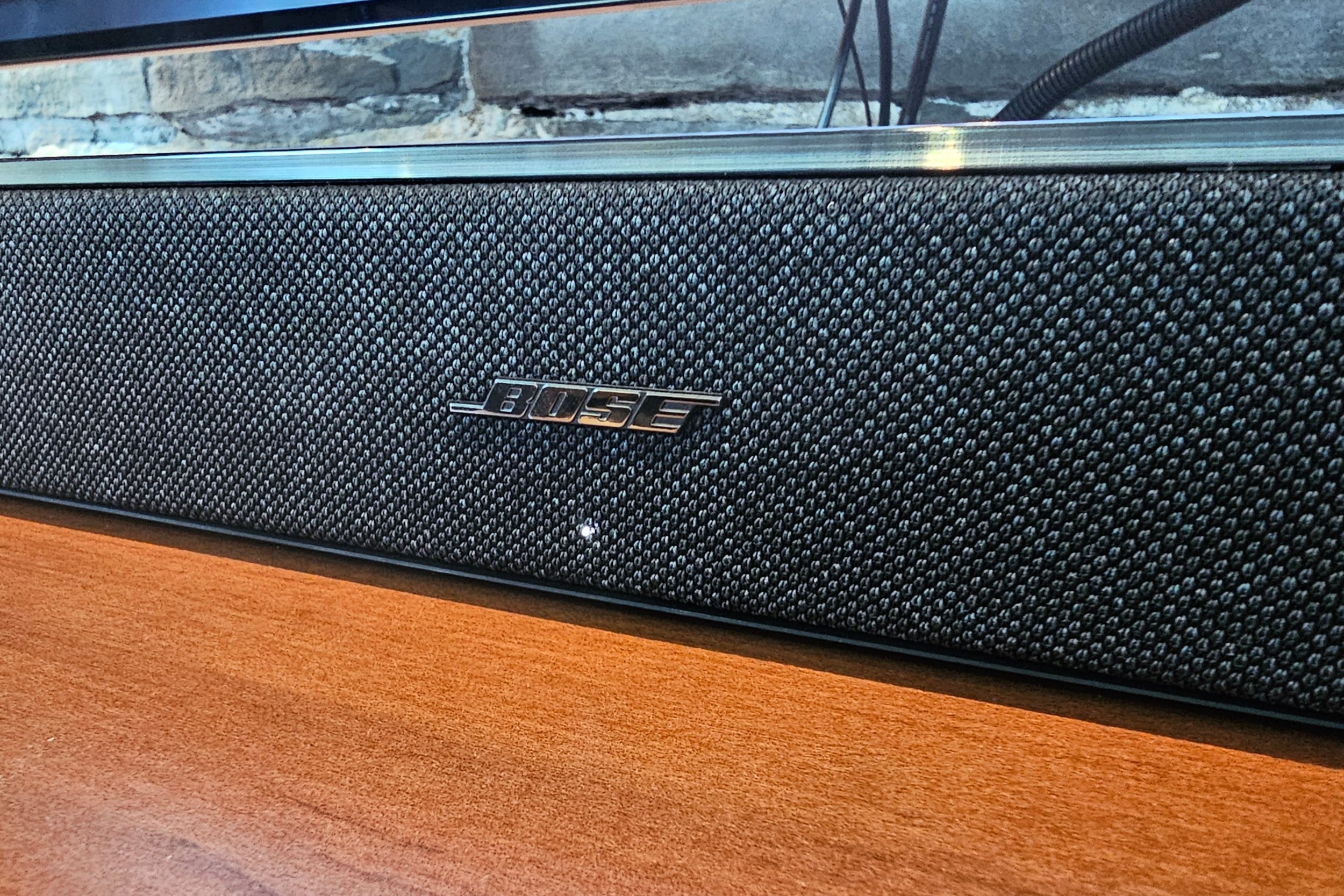
At $1,099, the Bose Lifestyle Ultra Soundbar and Sonos Arc Ultra, cost the same. Both support Dolby Atmos and AirPlay 2. Both offer a simple set up procedure and easy, app-based adjustments for sound and room correction. Both work as Amazon Alexa smart speakers if you choose to enable it.
The Lifestyle Ultra’s inclusion of Google Cast gives it an edge for folks who want to do all of their music management from a third-party streaming app, especially those who have Android phones (the only way Android users can get hi-res or lossless audio on a Sonos Arc Ultra is to use the Sonos app).
And, I have to give Bose props for its design — the Lifestyle Ultra Soundbar looks pretty great.
However, when it comes to sound quality, the Arc Ultra is still better overall. Its internal subwoofer is nothing short of astonishing, creating a deeper, more visceral experience for movies. I find it so effective, I’ve taken to keeping my Sonos Sub switched off for much of our TV watching.
This also helps with music, lending both stereo and Atmos content an anchoring resonance the Lifestyle Ultra can’t quite match.
Bose gets the nod for dialogue clarity on the strength of its SpeechClarity setting. The Arc Ultra is very good for dialogue — no complaints at all — however, the Lifestyle Ultra can achieve a higher level of separation between voices and background, which some buyers will really appreciate.
In terms of flexibility, even if you decide to never use the Sonos app, the Arc Ultra is a better choice for those who want to expand over time. The Arc Ultra can be used with any matched set of Sonos’ non-portable speakers as surrounds, and you get a choice of two different subwoofers depending on your room size.
You can also share TV sound from Arc Ultra to any other Sonos speaker in your home, plus it’s compatible with Sonos’ Ace headphones.
Currently, only the Bose Lifestyle Ultra Speakers work as surrounds for the Lifestyle Ultra Soundbar, and your two sub choices (the Lifestyle Ultra Subwoofer and Bose Bass Module 700) are effectively identical, save for the fact that the Module 700 requires a wired connection to the Lifestyle Ultra Soundbar.
Sound from the Lifestyle Ultra Soundbar can’t be shared across your other wireless Bose products, and perhaps most surprising, given Bose’s history of supporting private listening via headphones, you can’t connect any Bluetooth headphones, and the Lifestyle Ultra Soundbar doesn’t currently work with Bose’s clever Personal Surround Sound feature.
If you enjoyed this Loudmouth article, please consider subscribing. It supports my work and ensures you won’t miss out on future coverage.
Disclosure: If you buy through links on this page, I may earn a small commission at no extra cost to you. As an Amazon Associate, I earn from qualifying purchases.